Private AI for Your Business, Built in Your Office
Private AI is the same kind of assistant you've seen in ChatGPT, running on a machine in your own office instead of on someone else's servers. Your team asks it questions, drafts replies, and searches your own files. What they type and what it reads stays inside your building. Timber SAV is your own engineer for the software, automation, and technology of a home or business, and private AI is one of the things we build and look after. We run it ourselves every day.
01
What private AI is
When you use a public AI tool, your question travels to a data center, gets answered, and the record of it lives on a system you don’t control. Private AI skips the trip. The AI runs on a computer in your office, connected to your network and nobody else’s.
The engine underneath is called a large language model (LLM). It’s software that has learned to read and write, and it’s what makes these assistants work. Good ones are now available to run on your own hardware. We choose one that fits your work, set it up on a machine sized for your team, and put a simple chat page in front of it so your staff can use it from any computer in the office. If they can use a search box, they can use this.
02
Why run it in your building
Your data never leaves the building
Client notes, patient details, contracts, tenant records, guest messages. Whatever your team puts in, it stays on hardware you own, inside your network. There is no outside company holding a copy of what you asked.
No per-seat subscription
Public AI tools charge per person, per month, and the price can change whenever the vendor likes. A private setup is a one-time build plus ongoing care if you want it. Add a person to your team and nothing about your bill changes.
It works when the internet is down
The AI runs on a machine in your office, so chat and search keep working during an outage. (Anything that has to reach the outside, like checking a website or sending an email, still needs a connection. The AI itself doesn't.) On a lot of Montana properties that's a real difference.
You own it
The hardware is yours. The setup is documented and handed over. If you ever want to stop working with us, it keeps running. Nobody can turn it off, change the terms, or start charging more.
03
What we build
Six pieces. You get the ones you need. It all sits on a network we can build or fix first: see network installation.
Hardware, sized to your team
The right machine depends on how many people use it at once and how capable you want the AI to be. A small office needs a small, quiet box. A larger group or heavier work needs something bigger. We size it to how you'll really use it and we don't sell you more than that.
The AI server in your office
We install the machine, pick an AI model that fits your work, and set it up to run on its own: starts when the power comes back, stays inside your network, and needs no account with any AI company.
Private chat for your staff
A simple page your team opens in a browser, like any other website, but running inside your office. Draft an email. Summarize a long document. Rewrite something in plain English. Ask a question. People get their own logins so conversations stay theirs.
Search across your own files
Point it at your documents, and your team can ask questions in normal language and get answers that come from your files, with a link to the source so they can check it. Years of policies, contracts, notes, and manuals, findable in seconds. It only reads what you tell it to read, and it respects who's allowed to see what.
Connected to the tools you already use
Your calendar, booking system, email, phone system, shared drive. We connect the AI to the things your team already works in, so it isn’t one more place to log in. Where a tool insists on going through the internet, we tell you exactly what leaves the building and why. See business automation for the rest of that side.
Backups and updates
The machine gets backed up, so a dead drive is an inconvenience and not a disaster. Software updates and model upgrades are handled on a schedule, so it doesn't quietly go stale. Part of ongoing care.
04
How it fits together
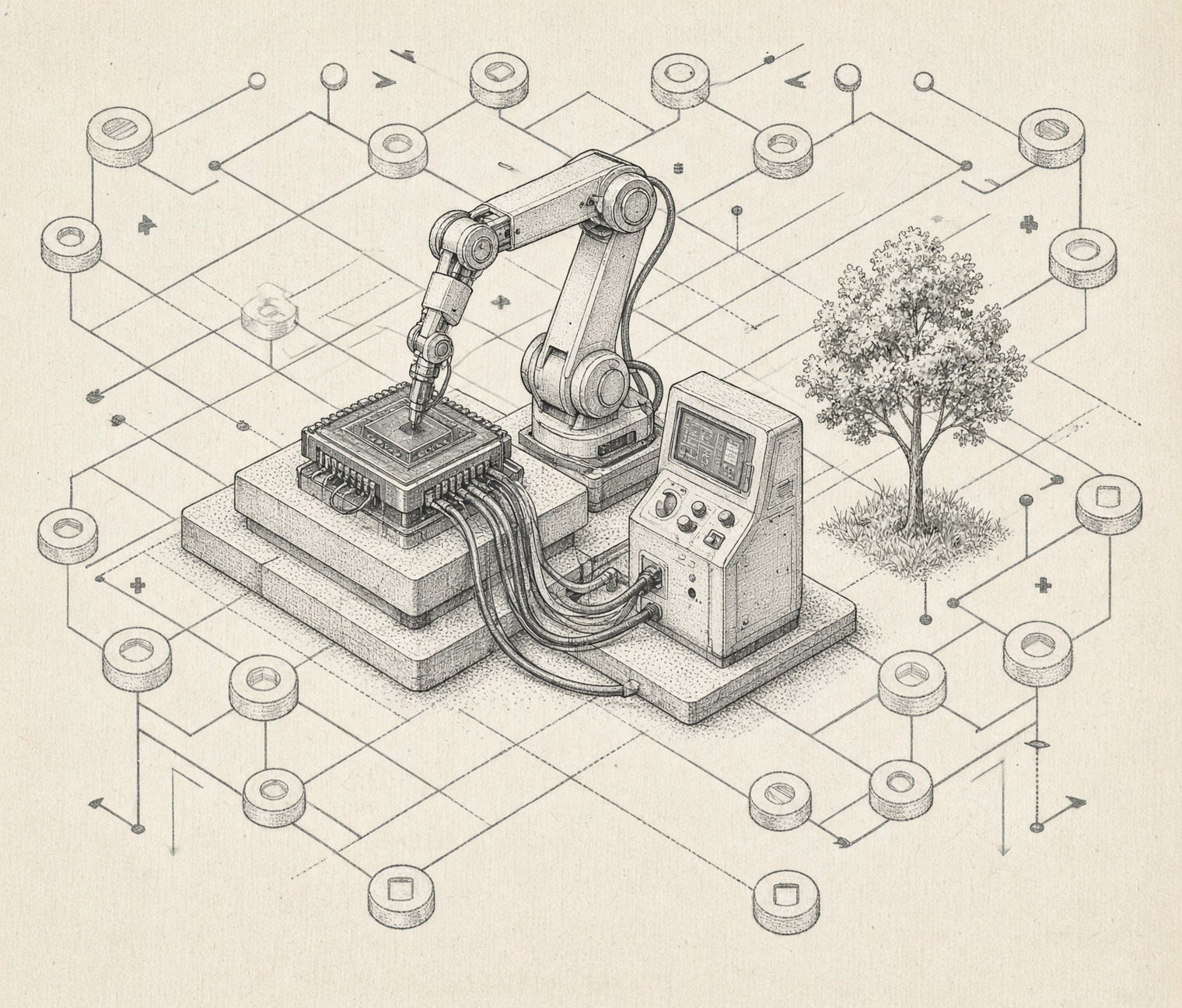
One machine in your office. Your people on one side, your files and tools on the other. Nothing crosses the outer wall unless you decide it should.
05
Who it's for
Any office that handles information it can’t afford to hand around. Some examples of what people ask it to do.
Dental and medical offices
Draft patient-facing letters and reminders. Summarize long notes. Look up an insurance policy or an office procedure in seconds instead of hunting through binders. Patient details stay in your building. (See the privacy question below before you rely on anything for compliance.)
Law offices
Search years of past matters and templates by what they say, not what they're named. Summarize a stack of documents before a meeting. Draft the first pass of a routine letter. Client material stays off outside servers.
Accounting and tax offices
Find last year's notes on a client in seconds. Draft the routine client emails that eat the week in March. Summarize a long engagement file or a set of instructions.
Property managers
Draft replies to tenant messages, sort maintenance requests, and search leases and past correspondence, so your team spends its time with tenants and not in the inbox.
Short-term rental owners
Answer the same guest questions the same way at 11 PM, using your own house rules and local tips. Draft messages, summarize reviews, and connect to your booking calendar so it knows who's arriving when.
Other small offices
If your people spend a lot of the day reading, writing, and looking things up, there's probably a place for it. If they don't, we'll tell you it isn't worth building.
06
How an engagement works
01
Walkthrough
We come to your office, meet the people who'd use it, and look at what they do all day. We look at your network and what you already have. You tell us what takes too long. This is free.02
Sizing and a written plan
We pick the hardware and the AI model, list what it will connect to, and give you a fixed price in writing. We'll also talk through what ongoing care would look like. If the honest answer is that a public tool is the better fit for you, we say so.03
Build
We set up the machine, install and test everything, connect it to your files and tools, and try it on your real documents, not sample ones.04
Handoff
We show your team how to use it in person, leave plain written instructions, and give you the logins and the documentation. It's yours.05
Ongoing care
This is the standing-engineer part: backups, updates, monitoring, and a real person to call when something looks off. Most clients keep it. It isn't required. Talk to us about what fits your setup.
07
One engineer, every layer
Private AI isn't a separate product from the rest of your technology. It reads your files, connects to your tools, and runs on your network. It works best when the same engineer builds all of it. If we also build your software and automation, your private AI can read what they know and hand work to them. If you're starting here, we'll check the foundation first, because a shaky network makes everything on top of it worse.
08
We run it ourselves
This isn't something we read about. We run private AI every day on our own machines, for our own businesses: drafting, searching documents, sorting messages, and a scheduling assistant that our staff talk to. We also build the software and automation around it. It's how we learned what works, what's slow, what breaks, and what's a waste of money. That's the experience your build starts with.
09
Questions
For most office work, yes, it's plenty good: drafting, rewriting, summarizing, and answering questions from your own files. The very biggest public models are still stronger at the hardest kind of thinking, and we won't pretend otherwise. What you get in return is privacy, no per-person fees, and control. Before you spend anything we'll try it on your real documents so you can judge for yourself.
It depends on how many people use it and how capable you want it, so there isn't one honest number. A small office setup costs about what you'd spend on a good workstation. A bigger team or heavier use costs more, closer to a small server. Either way you get a fixed price in writing after the walkthrough, and we'll compare it against what your team would pay in subscriptions over a few years using your real numbers. If subscriptions come out cheaper for you, we'll tell you.
Running the AI in your own building means the words your team types are not going to an outside company's servers, which removes a big question from the list. It does not, on its own, make an office compliant with anything. HIPAA, attorney-client duties, and similar rules cover a lot more than where the AI runs, and we're not lawyers or compliance auditors. We'll build to your rules, document exactly where data lives and who can reach it, and work alongside whoever handles compliance for you.
No. They open a page in a browser and type. If they can use a search box or send an email, they can use it. We sit down with your team at handoff and leave short written instructions.
Chat and document search keep working, because the AI runs on a machine in your office. Anything that needs the outside world, like looking something up on a website or sending an email, waits until the connection is back.
Yes. Every AI can be confidently wrong. Treat it like a fast, well-read assistant, not a final authority. The document search shows where each answer came from so your team can check it, and important work should still get a human read before it goes out.
Only what you decide. We connect it to the folders you choose and set it up so people only get answers from files they're already allowed to open. Each person has their own login, and conversations stay theirs.
Usually, yes. If your practice, accounting, or property software can export data, or stores it somewhere we can reach, your private AI can search it and answer from it. Some older and closed programs make that harder than others. We'll look at yours during the walkthrough and tell you plainly what's possible.
Ongoing care covers backups, updates, and a real person to call. And the setup is documented and handed over to you, so it isn't locked to us. If you ever move on, it keeps running and someone else can pick it up.
Want to see if it fits?
We'll come to your office, look at how your team works, and tell you honestly whether private AI would help. No cost, no pressure. If it wouldn't, we'll say that too.
This is one layer of what Timber SAV looks after as your own engineer. See the whole picture.
Or call us at (406) 407-4727.